When to Use JPG to PNG and When It Will Not Actually Help
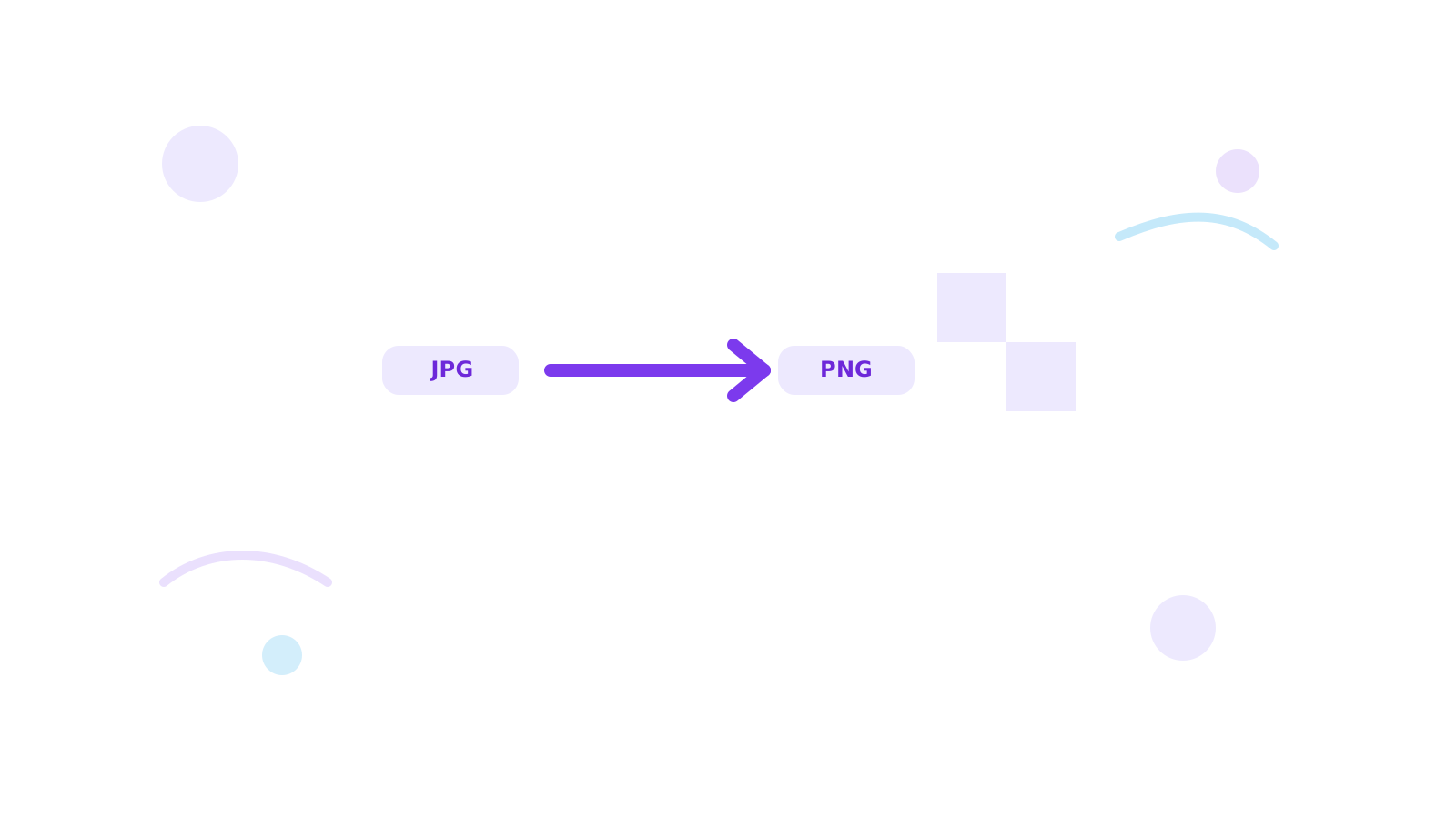
JPG to PNG sounds like an upgrade, but it is not always one. A PNG output can fit the workflow better, yet it does not magically restore image detail that was already compressed in the original JPG.
That is why the better question is not “can I convert JPG to PNG?” It is “does PNG help this task?”
Short Answer
Use JPG to PNG when the receiving workflow expects PNG or when you want the file in that format for handling consistency.
Do not expect the conversion alone to make a low-quality JPG look sharper than the source.
When JPG to PNG Makes Sense
- the platform asks for PNG
- the design workflow wants consistent PNG assets
- you want to continue editing or exporting alongside other PNG files
When It Does Not Help Much
- you are hoping to recover lost JPG detail
- the image is already a normal photo and JPG was fine
- smaller size matters more than PNG compatibility
Better Decision Path
- Convert with JPG to PNG only when PNG is useful for the actual workflow.
- If smaller files matter more, compare the opposite direction with PNG to JPG or Convert Image.
- If the issue is size, continue with Compress Image.
FAQ
Does PNG improve JPG quality?
No. It changes the container format, not the original detail level.
Should I convert JPG to PNG for web photos?
Usually not unless the workflow specifically expects PNG.
What if I only need a format test?
Use Convert Image and compare the result quickly.
Next Step
Use JPG to PNG only when the workflow truly calls for PNG. If your real problem is weight or web delivery, compare with Convert Image first.