How to Reorder PDF Pages After Scanning a Document in the Wrong Sequence
Scanning is messy when the source stack is wrong, one side was scanned later, or several batches were combined too quickly. The result is a PDF that technically exists, but reads in the wrong order.
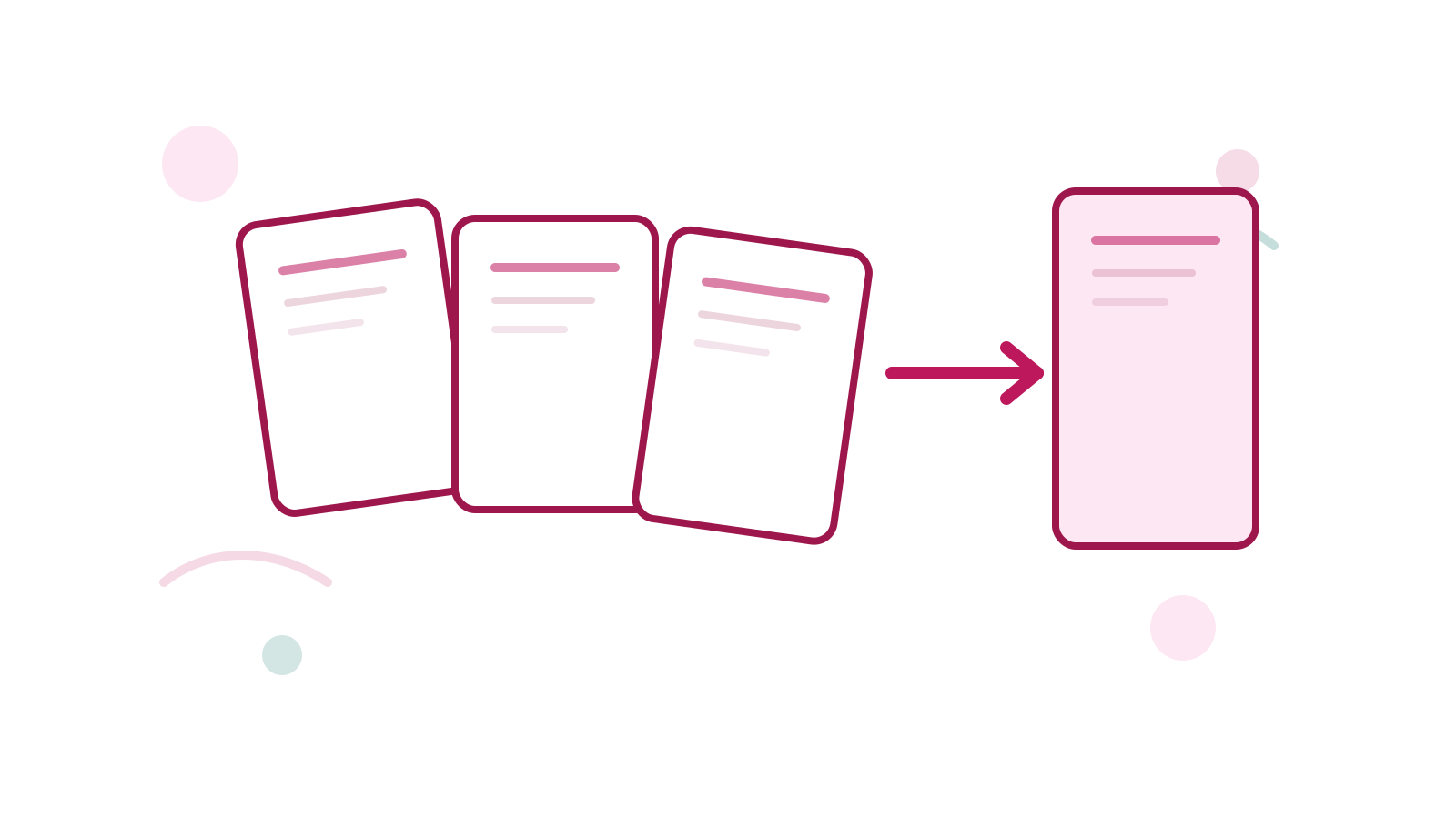
Reorder PDF Pages is the direct fix when the content is right but the sequence is not.
Short Answer
If the PDF already contains the right pages but they read in the wrong order, reorder the pages instead of rescanning everything.
If the document is also sideways, fix orientation with Rotate PDF once the order is stable.
A Better Cleanup Order
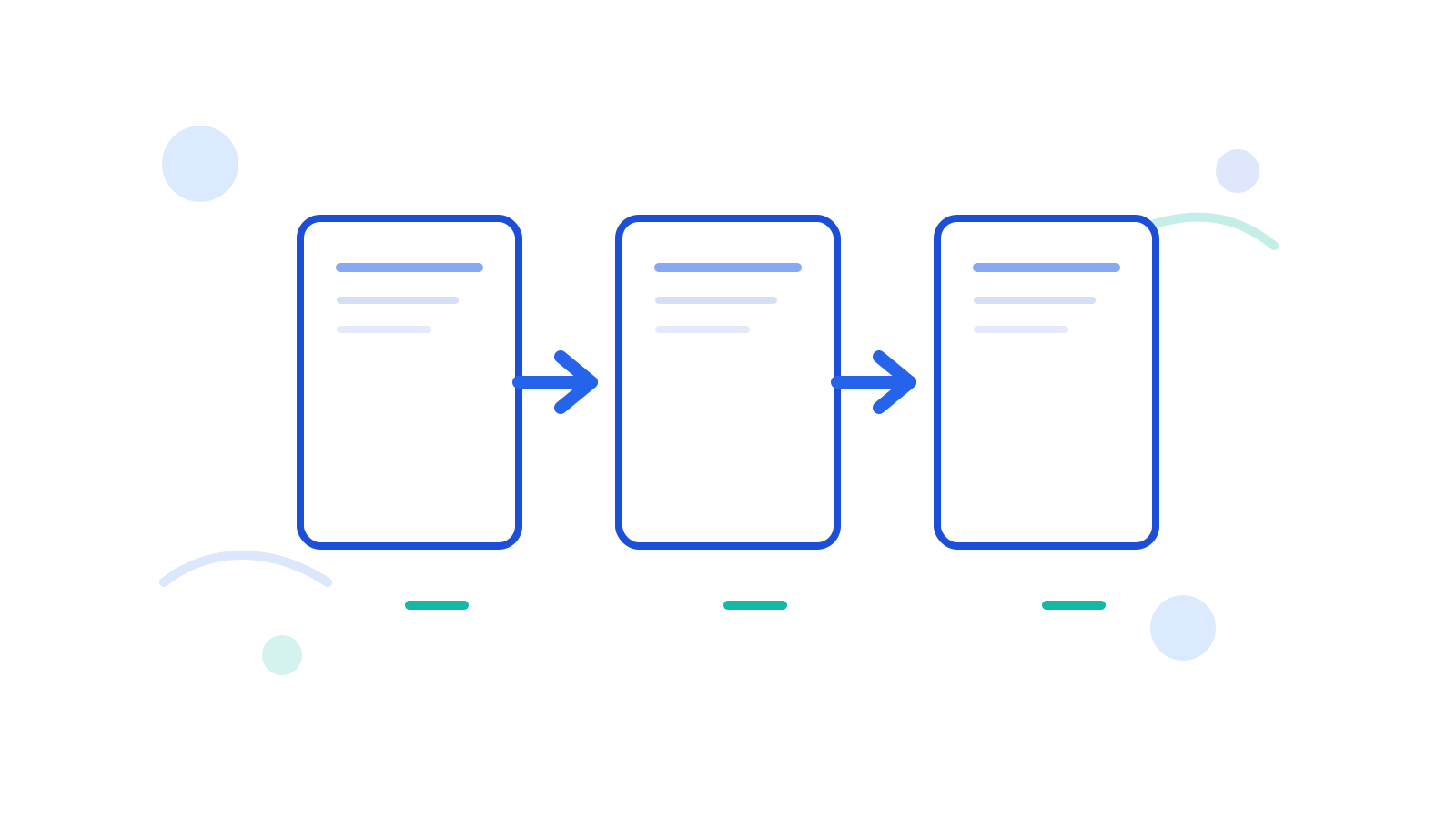
- Check whether pages are missing or simply misplaced.
- Reorder the PDF with Reorder PDF Pages.
- Remove obvious leftovers with Delete PDF Pages if needed.
- Rotate pages if orientation still looks wrong.
When Reorder Is Better Than Merge
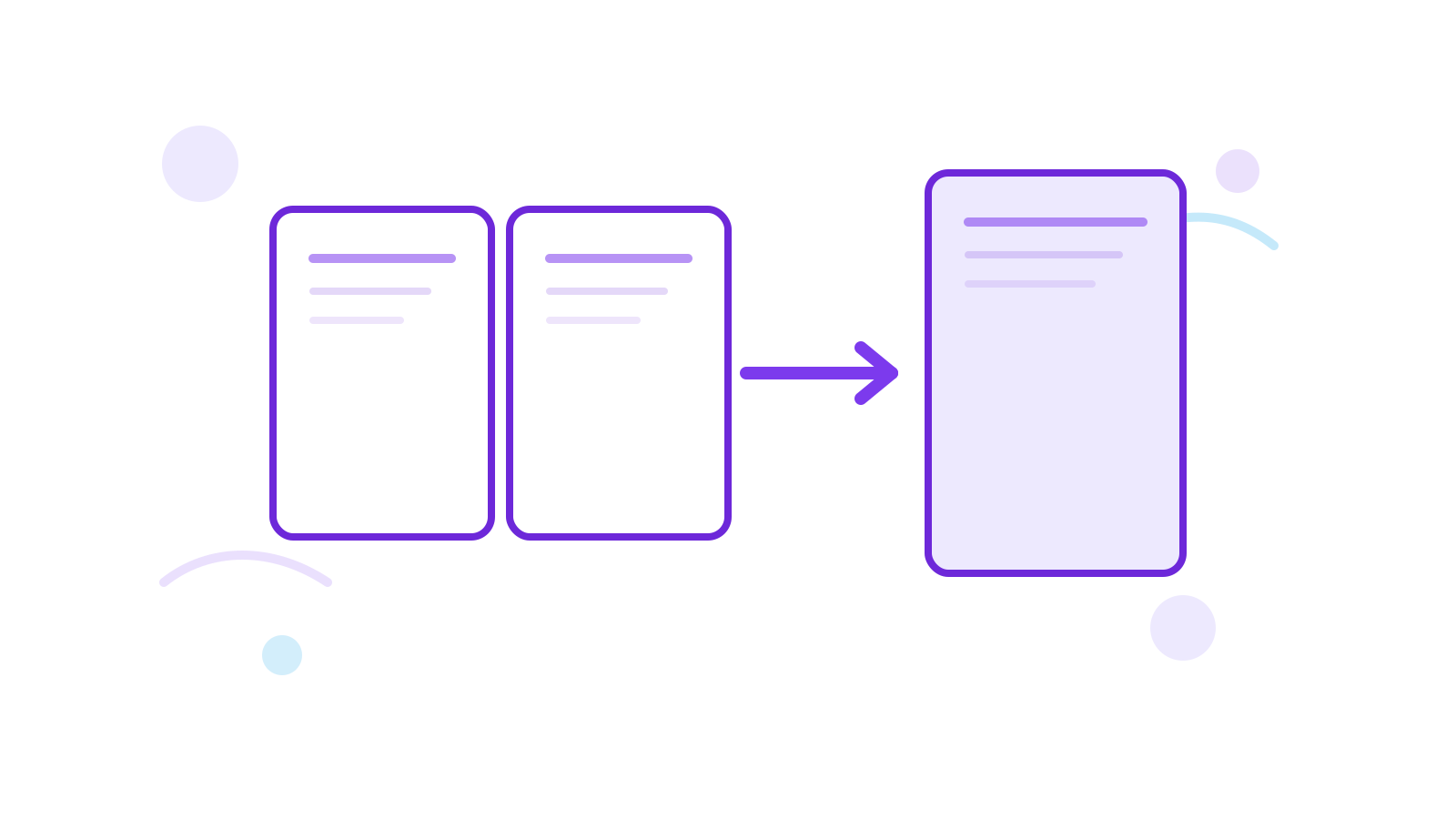
Use reorder when one PDF already contains the right content but the pages are in the wrong sequence. Use Merge PDF when the content still lives across multiple separate files.
FAQ
Should I rescan instead?
Only if the original scan quality is poor. If the pages are fine and only the order is wrong, reordering is faster.
What if the file came from several scans?
Merge first if the pages are still split across separate PDFs. Then reorder the combined file if the sequence is still wrong.
Can I reverse the whole file quickly?
Yes. That is useful when the document was captured in fully reversed order.
Next Step
Use Reorder PDF Pages first, then run Rotate PDF only if the reordered result still has sideways pages.